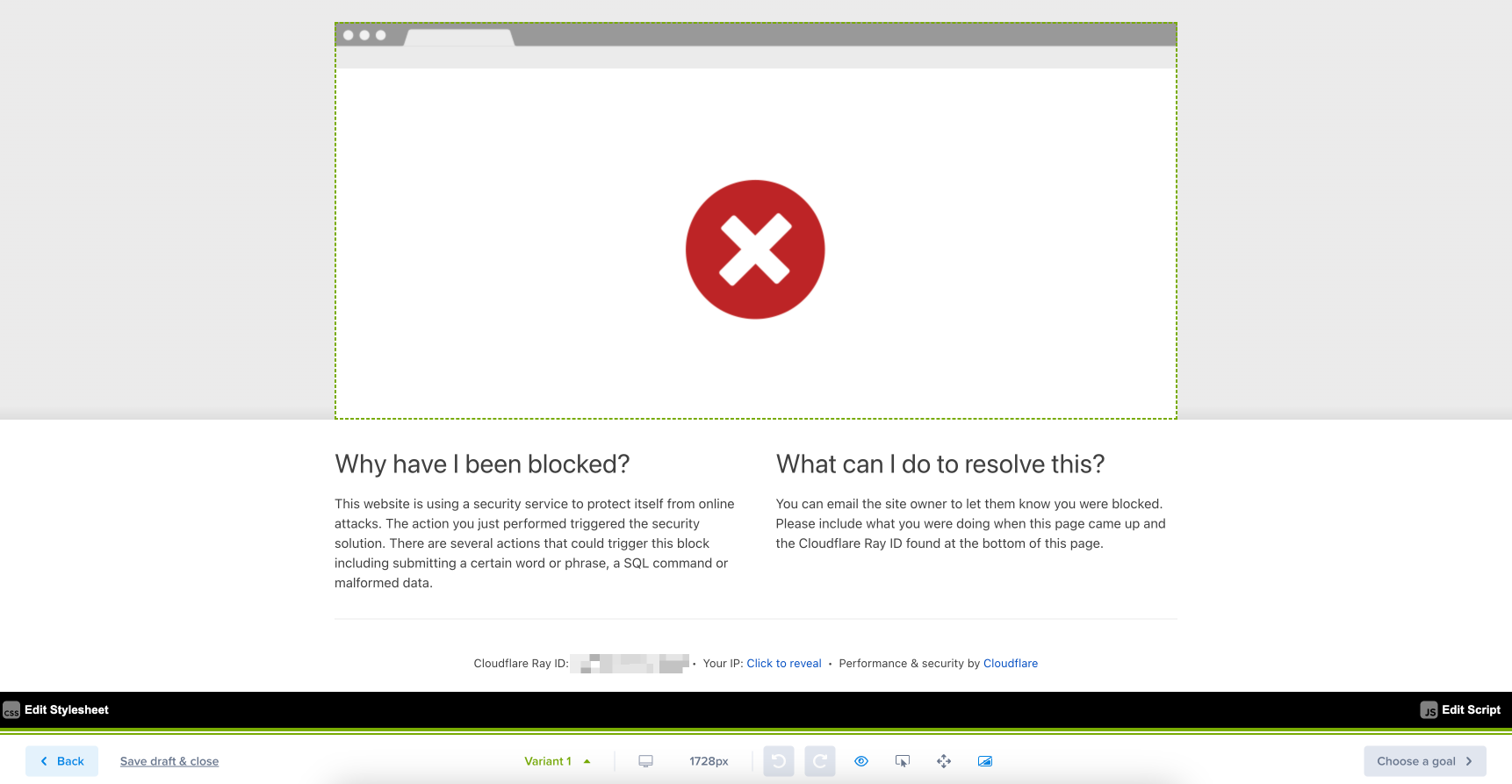
Your site is configured to restrict bots, and when using our Page Editor, we use a one-time bot to call your web server to pull up the page in the Editor.
Solving the Error
Notice the information outlined in red in the screenshot above. If you see a Ray ID and the word Cloudflare, follow the steps below to fix the issue.
Go to Options in your Crazy Egg account—blue menu along the left-hand side.
Go to the Advanced Tracking tab.
Scroll down to Crazy Egg Bot User Agent and turn it on.
Go back to the Page Editor and try again. You will now see your webpage being pulled in.