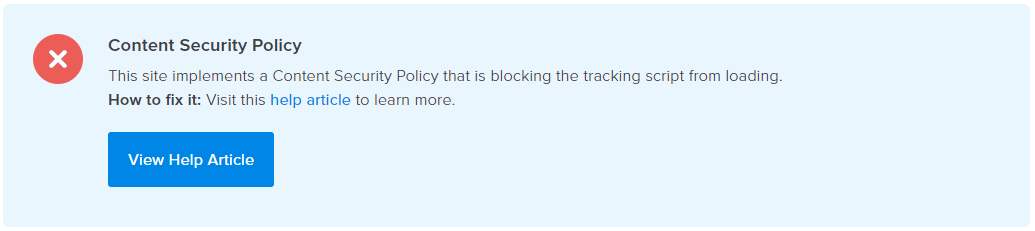
Why does this happen?
Your site is configured to restrict one or more security policies through a Content-Security-Policy header and doesn’t explicitly permit access to CrazyEgg.
Solving the Error
Ask your developer to update the Content-Security-Policy (CSP) header in the following way:
- Default Policy:
- Add
*.crazyegg.comto the default-srcdirective.
- Add
- If you have specific directives for any of the following, also add
*.crazyegg.comto them:script-srcconnect-srcstyle-srcframe-srcimg-src
- Web Workers:
- For best performance, allow
blob:inworker-srcorchild-src.- If your CSP policy does not permit
blob:, Crazy Egg can fall back to a Crazy Egg-hosted iframe. In that case, add*.crazyegg.comtoframe-src.
- If your CSP policy does not permit
- For best performance, allow
- Surveys & CTAs:
- If you have a specific
style-srcdirective add'unsafe-inline'to it. - If you are using uploaded images, add:
user-images.crazyeggcdn.comimg-src - Additionally, allow Google Fonts by adding:
fonts.googleapis.comtostyle-srcfonts.gstatic.comtofont-src
- If you have a specific
Here is an example CSP that covers all of these cases:
Content-Security-Policy:
default-src 'self' *.crazyegg.com;
script-src 'self' *.crazyegg.com;
connect-src 'self' *.crazyegg.com;
style-src 'self' *.crazyegg.com 'unsafe-inline' fonts.googleapis.com;
img-src 'self' *.crazyegg.com user-images.crazyeggcdn.com;
frame-src 'self' *.crazyegg.com;
font-src 'self' fonts.gstatic.com;
worker-src 'self' blob:;
child-src 'self' blob:;