Every Heatmap, A/B test, or Edit requires a short time to set up. In most cases, this happens immediately. But in some rare cases, you might find a snapshot or test is still pending, or has zero visits or conversions. In these cases, we recommend running our Script Check tool.
The Script Check Tool cannot check pages that require a login or prior action. In these cases, the tracking script can be manually verified.
Troubleshooting Tracking
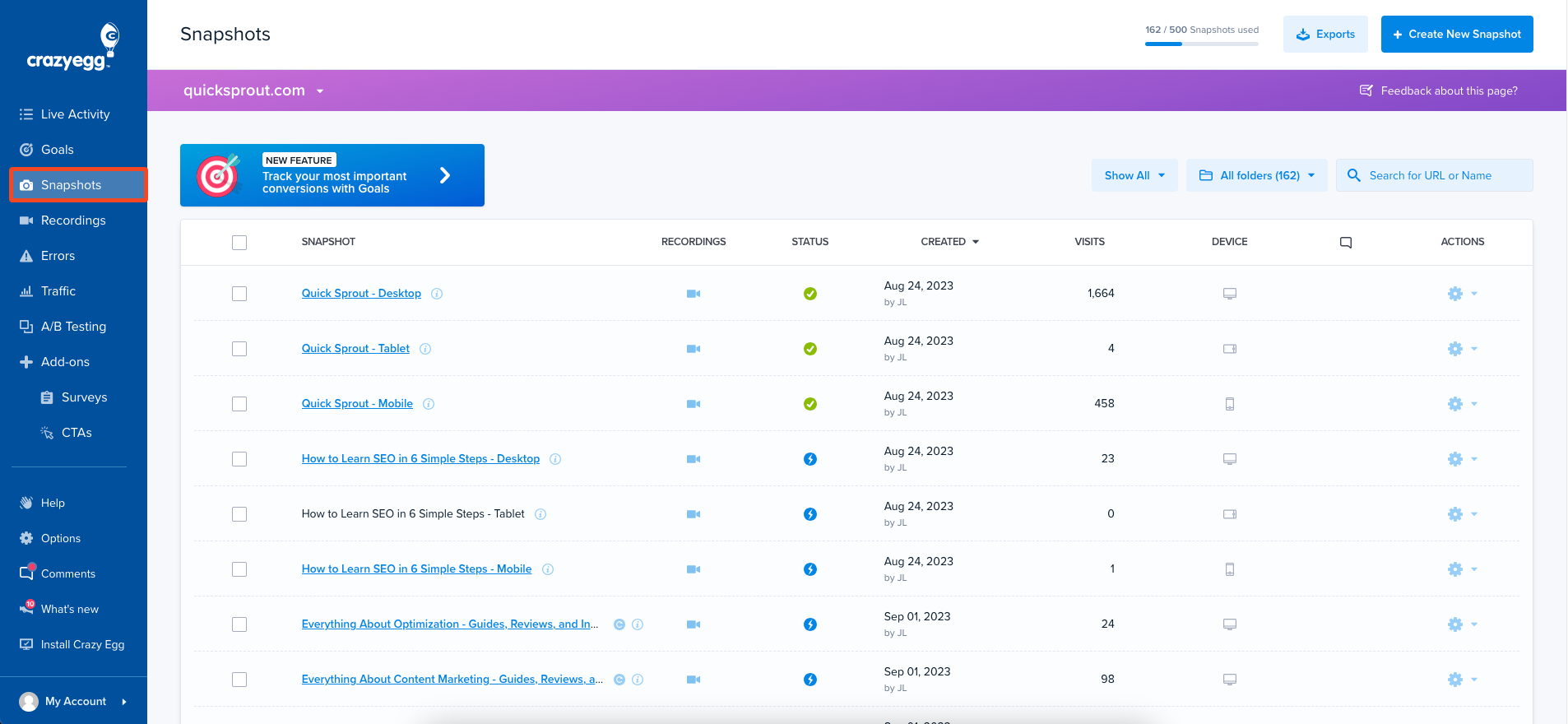
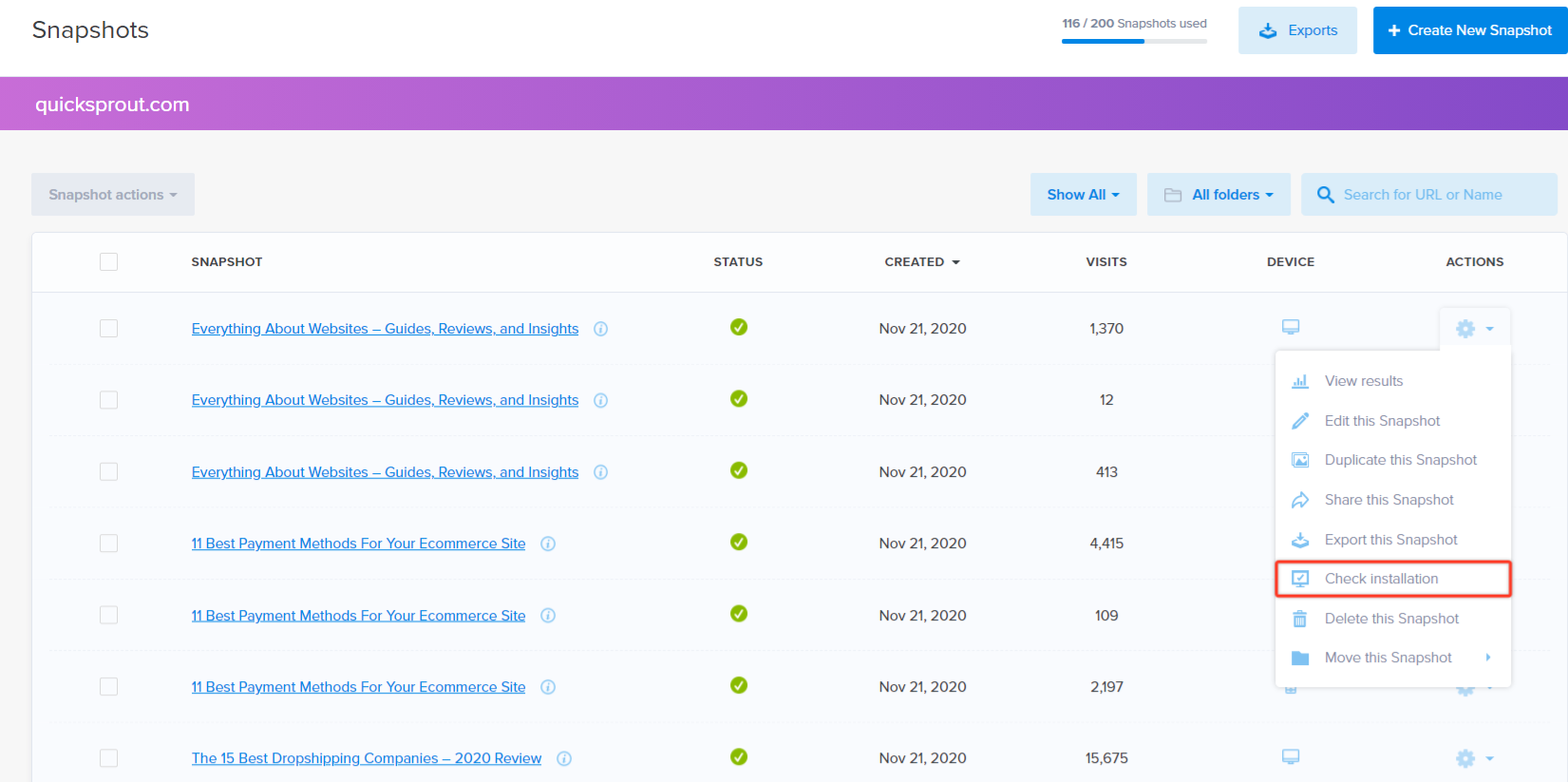
Here is a recommended process to help you troubleshoot Heatmaps, A/B tests, or Edits. The visuals below will show you how to troubleshoot a Heatmap.
Click on Heatmaps (or A/B Testing) along the left-hand side (blue menu).
Click the gear icon, then select ‘Check Installation’.