Do you use pop-ups on your site? By default, when our system takes the first screenshot, we try to avoid the pop-up. Sometimes our system does not automatically detect the pop-up to omit, so you would need to specify the CSS selector.
Sometimes you want to see visual analytics in your pop-up, and other times you do not. If you choose to omit the pop-up, it will apply only to your visual reports. We still track all clicks made on your pop-up under the List Report – Not Visible tab.
Omit Specific Elements – Step by Step
Here is a recommended process to help you get started. You will need to be in the Edit Heatmap mode.
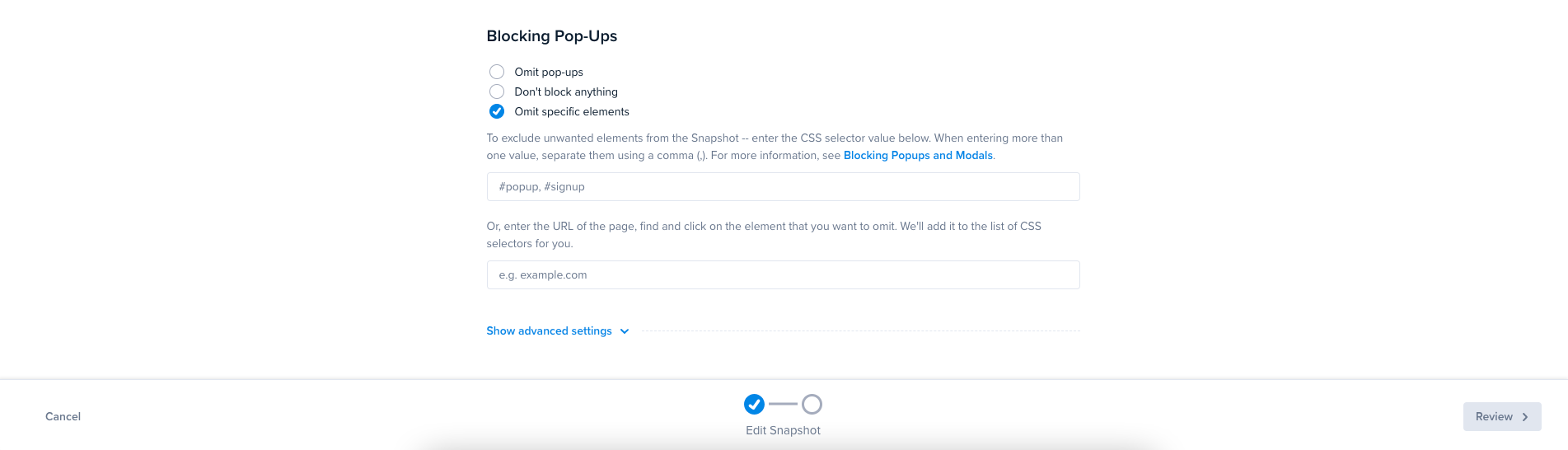
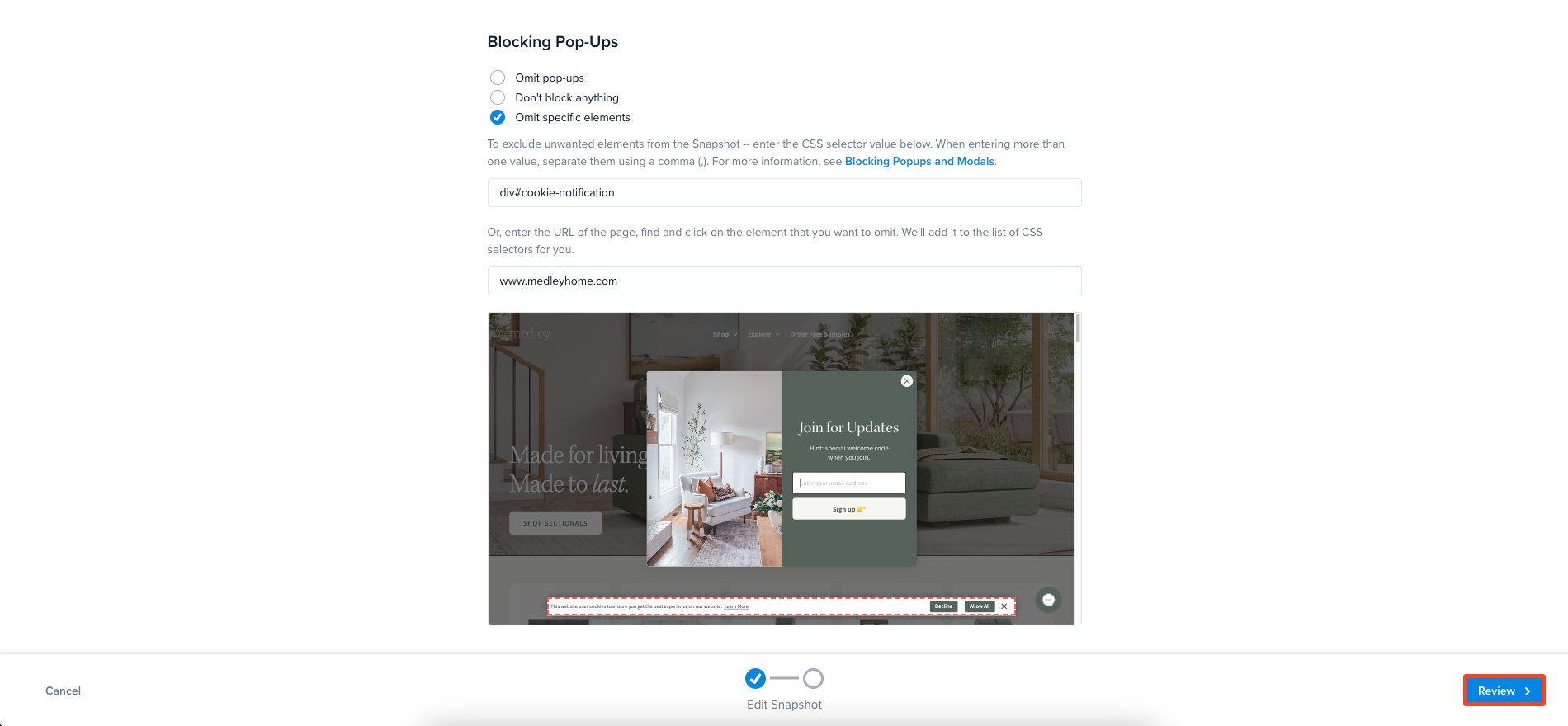
Scroll down to the Blocking Pop-Ups section.
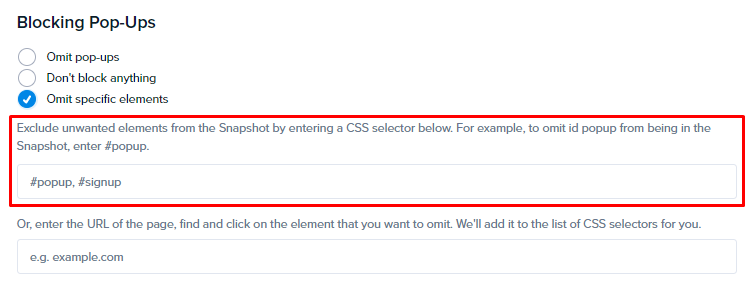
By default, Blocking Pop-Ups will be set to omit. However, there are times when this does not work, and you will need to select Omit Specific Elements. If you know the CSS selector name, enter this in the first field. Once done, go to step 5.
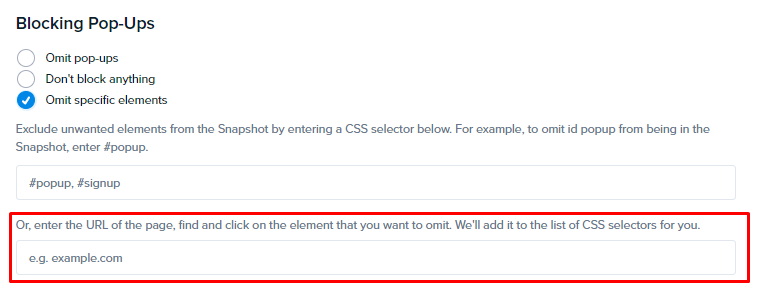
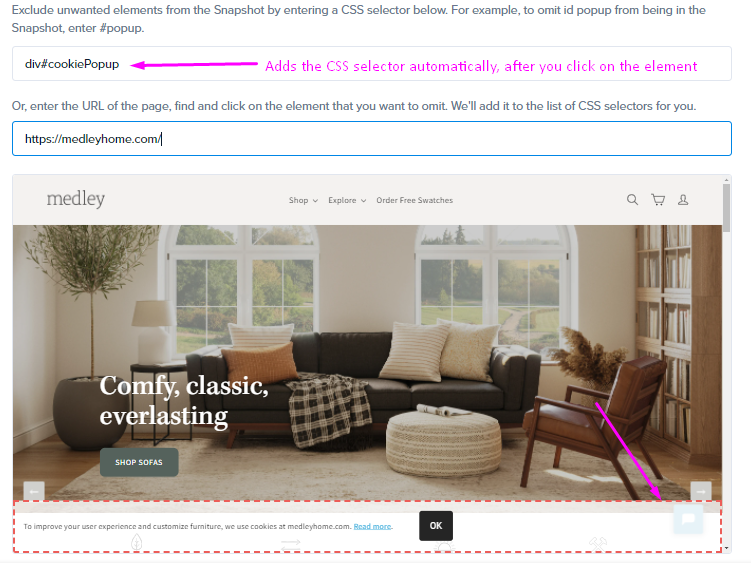
If you don’t know the CSS selector value, you can enter the website URL of the page in the second field.
This will open a small preview window where you can select the popup. NOTE: Be sure to select the entire popup (outer edges).
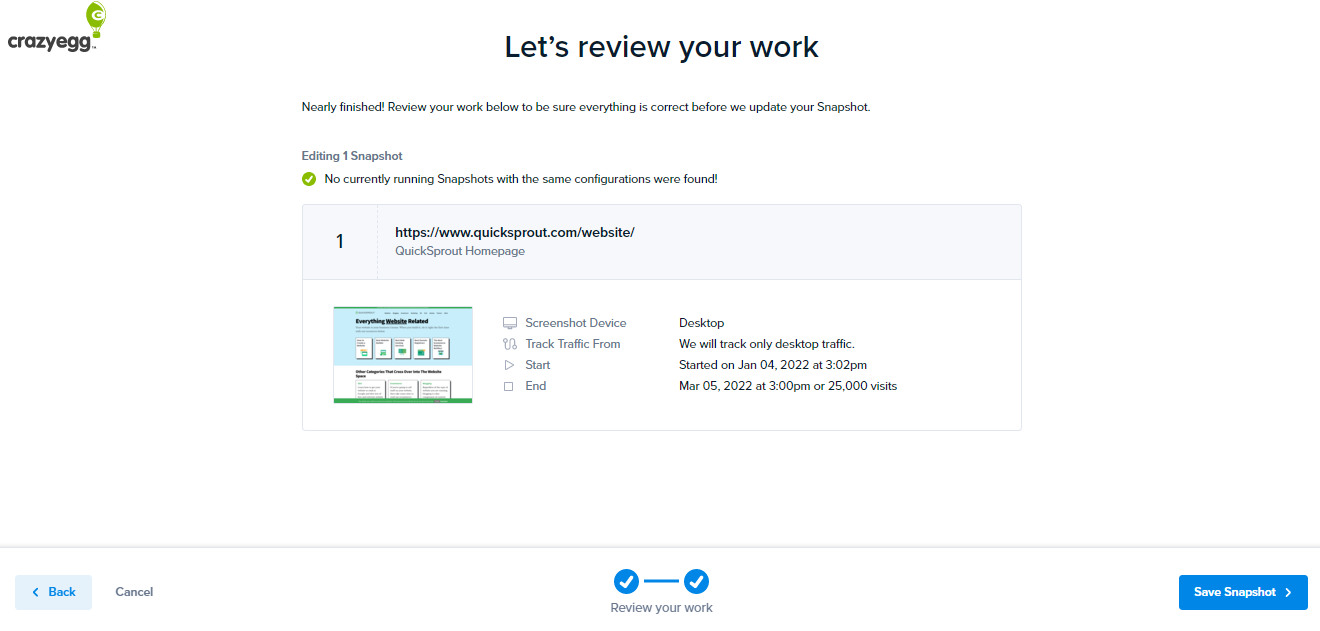
Click the Review button in the bottom right-hand corner.
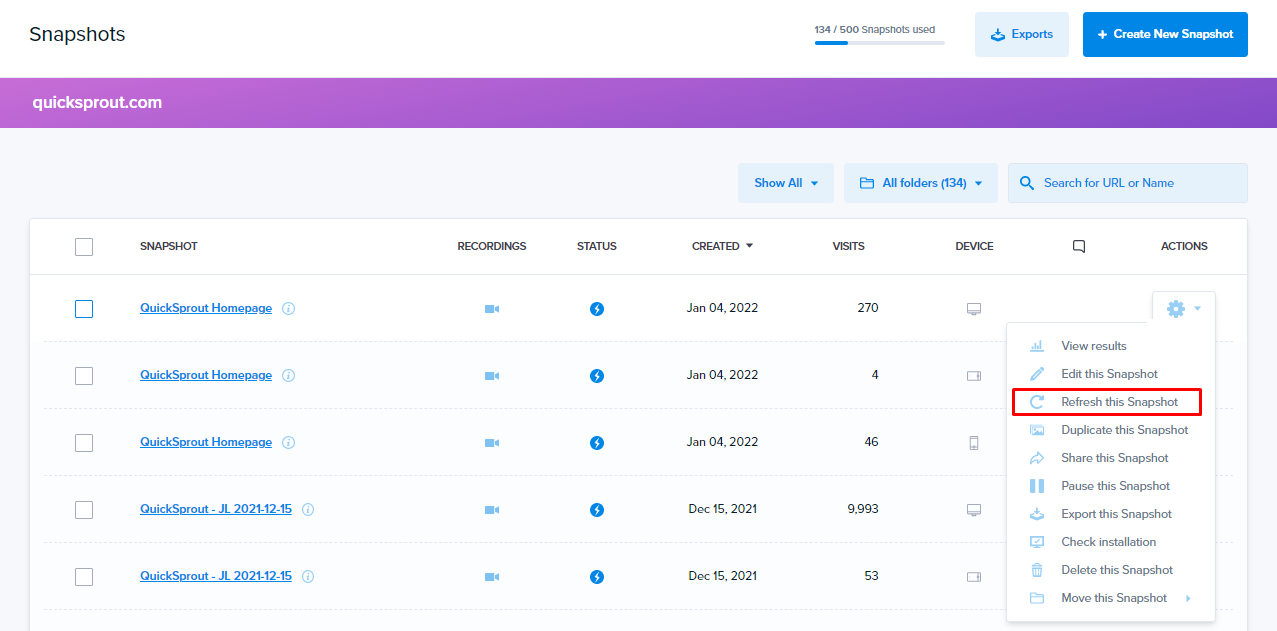
Click Edit Heatmap.
Click on the gear symbol and select ‘Refresh this’.