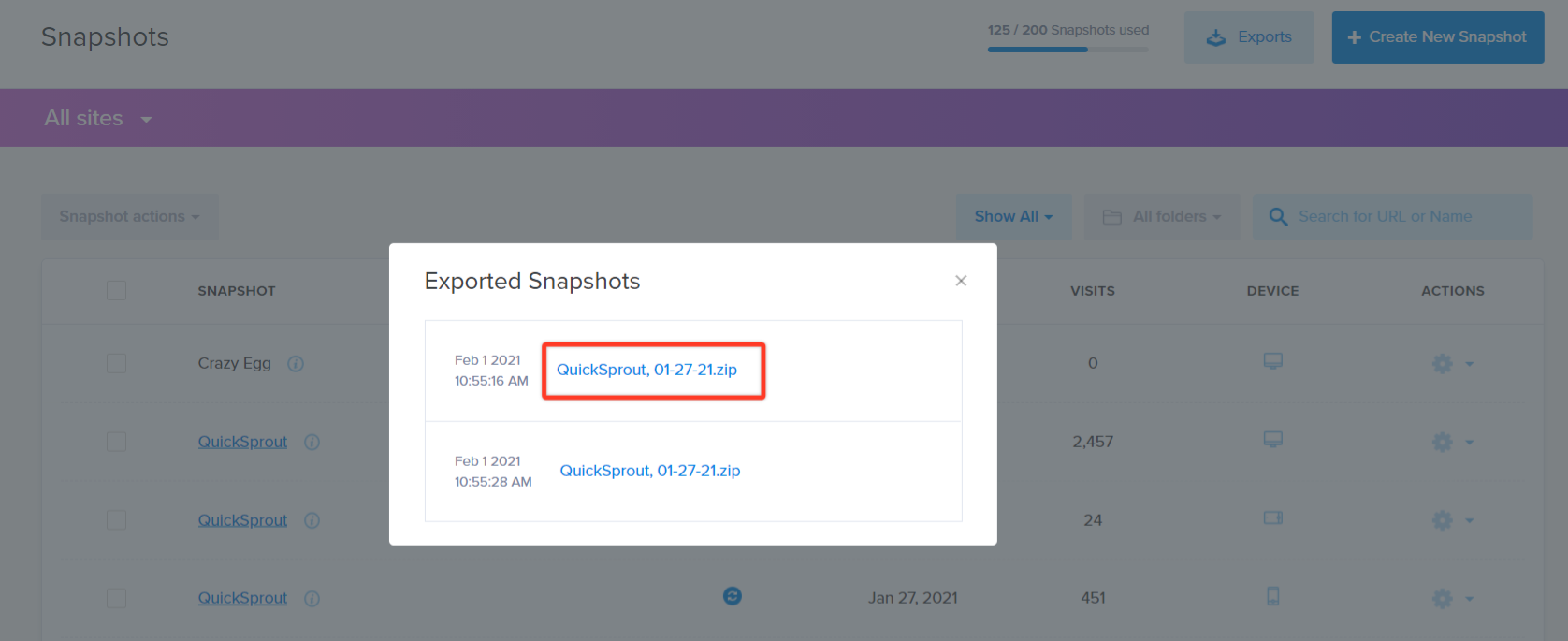
Here is a recommended process to help you get started.
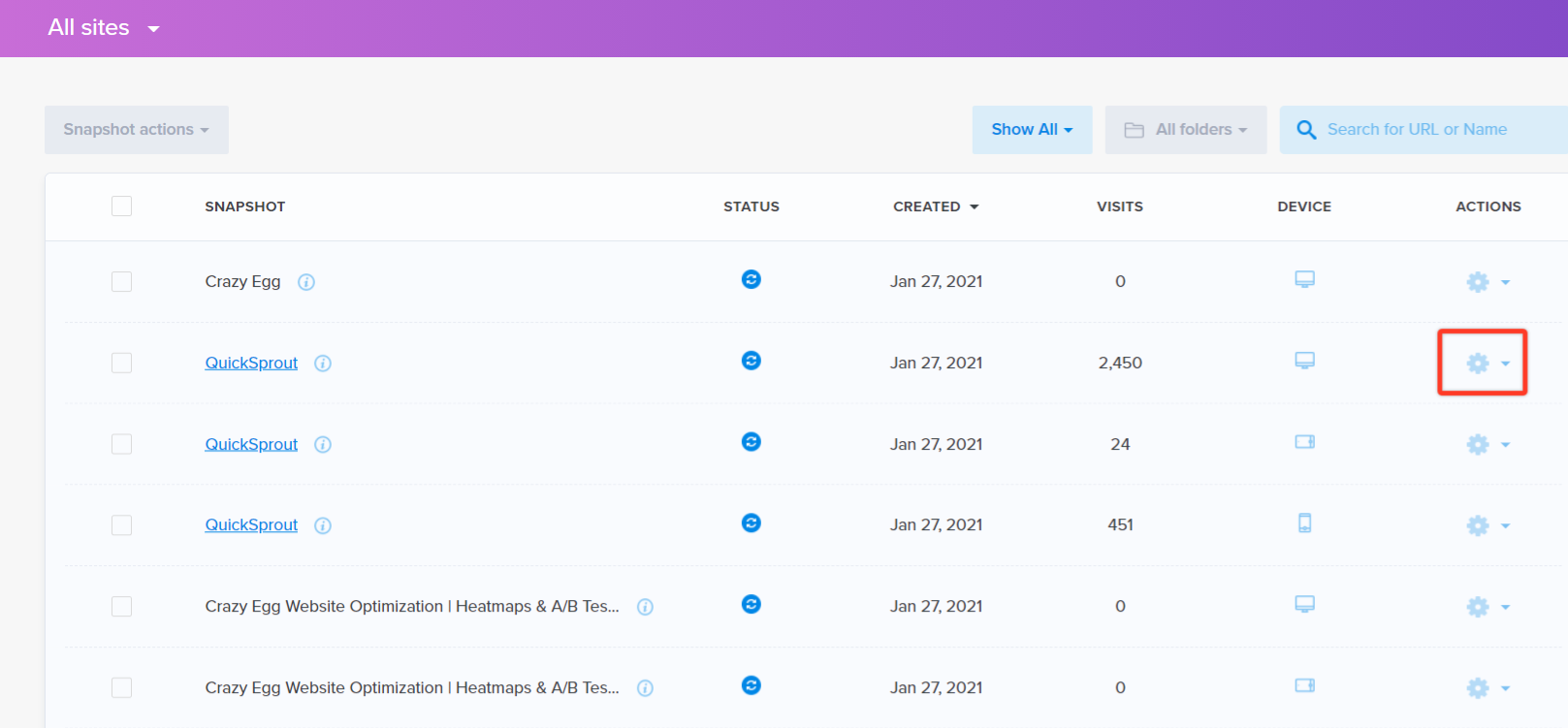
Once you have decided which Heatmap you would like to export, click on the gear symbol to the far right-hand side.
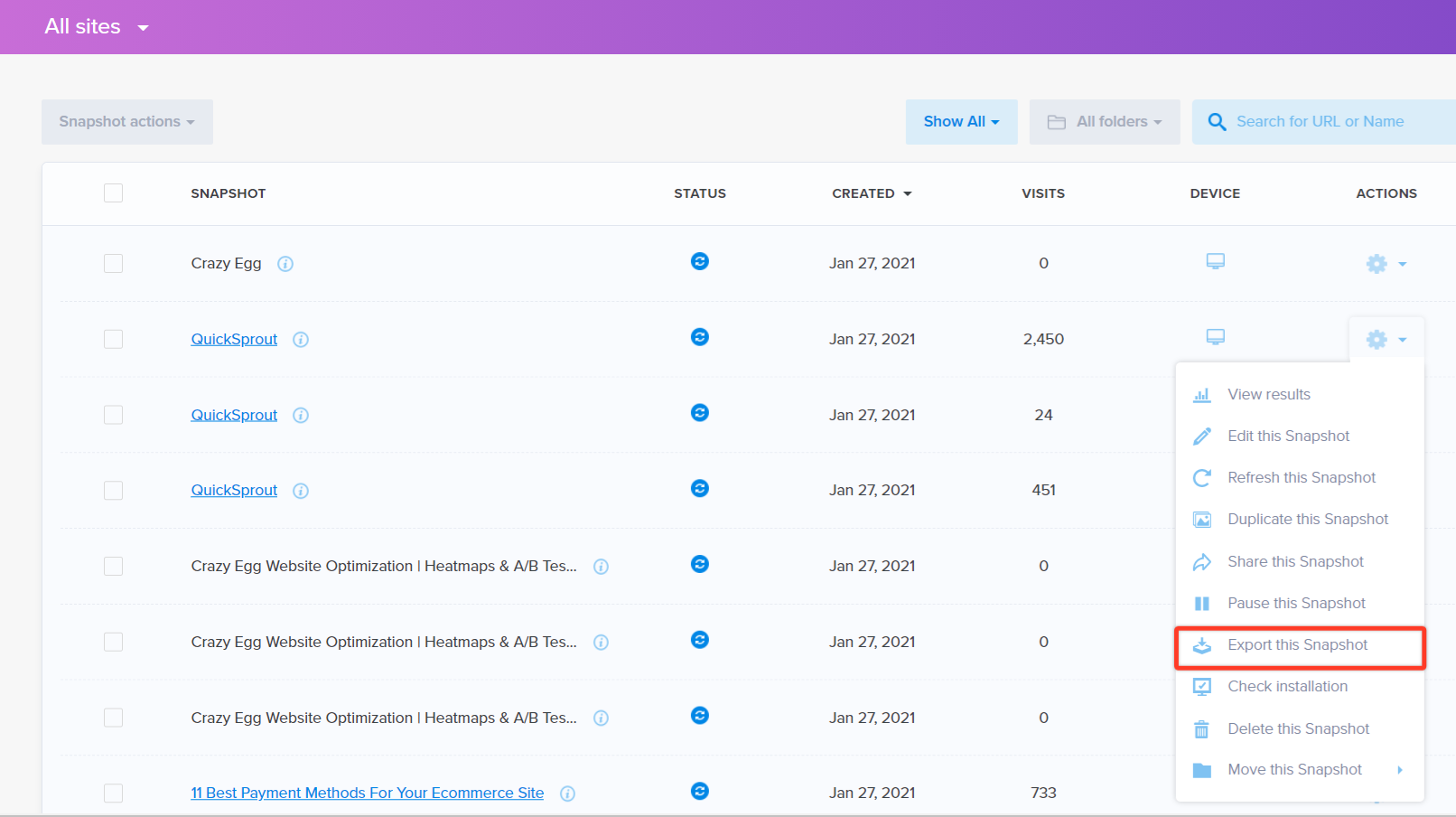
Select Export this Heatmap.
You now have the option to export all 5 Heatmap reports or only certain ones.
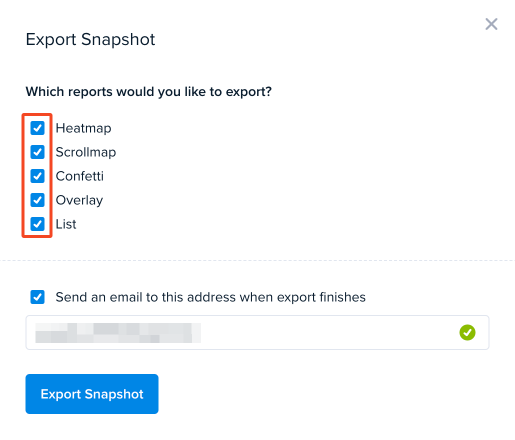
You also have a choice: you can have the export emailed to you or download the files once they’re ready.
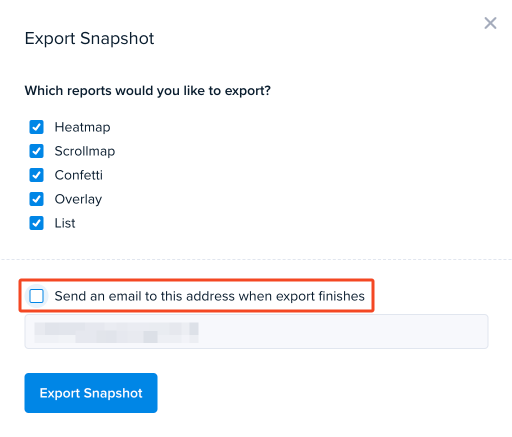
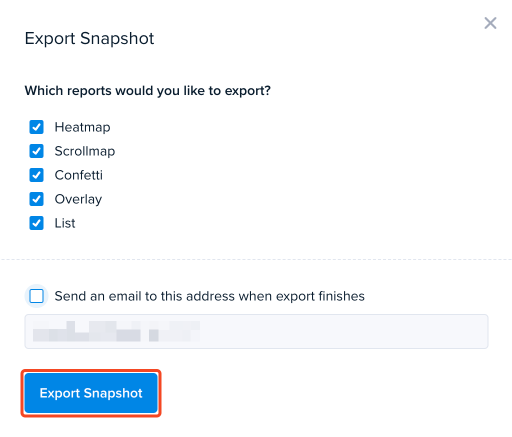
Once you have decided on your export configuration, click on the Export Heatmap button.
A new window will appear to show you that the Heatmaps are exporting.
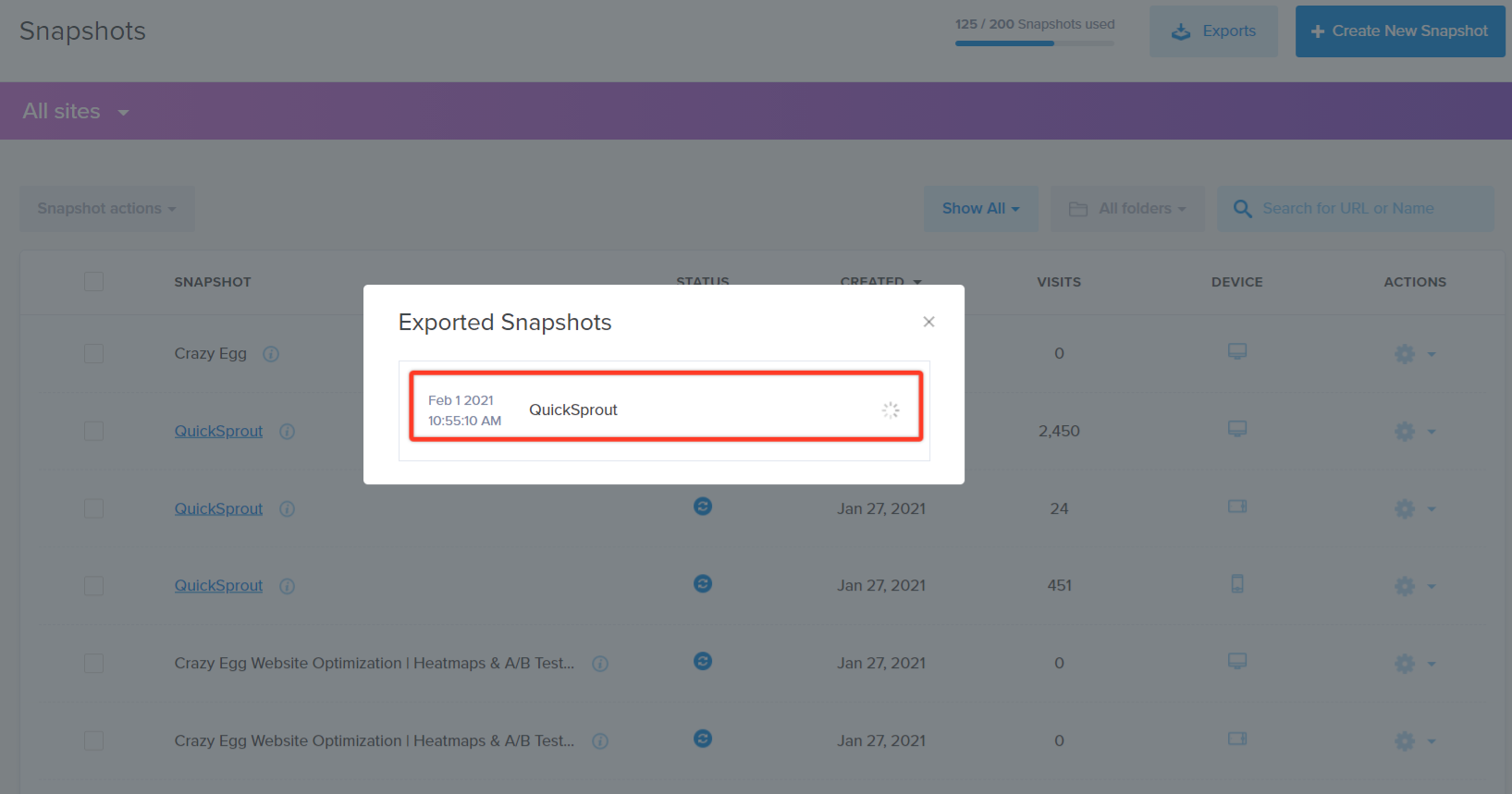
When finished, a blue link appears to download the Heatmaps.